
|
|
|
|
I'm noticing a pattern, and I want you safe. |
|
A one-time note, outside the usual newsletter. |

|
|
Hi, |
|
Sorry to bother you with an extra email. I'm noticing a pattern, and I care about you too much to stay
quiet. |
|
On almost every platform, and in almost every conversation I have this month, I meet smart business owners
who don't have the minimum in place to be safe online. The same password in five places. No second step
when they log in. I understand. Nobody taught us this. But this week shows why it matters. |
|
What happened this week, as far as we can confirm |
|
› |
On Monday, attackers slipped harmful code into a tool that large websites use to test their pages. A
security researcher found it running on the sites of 178 organizations, including CNN, the BBC, Zoom
and IKEA. It tried to steal card details and crypto from visitors. Most of it was removed that same
evening.
Source
|
|
› |
Uber disclosed that hackers stole the driver's license details of about 149,000 US drivers. They
didn't break into Uber. They got in through an outside AI company Uber worked with, using stolen
login credentials.
Source
|
|
› |
Today, Rakuten Securities in Japan said intruders reached a test system that held real customer
data. Login IDs for up to 11.25 million accounts may be exposed. Their advice to customers: set up a
passkey.
Source
|
|
› |
In late October, CISA, the US agency for cyber defense, published a new strategy with national
resilience as one of its pillars.
Source
|
|
|
One thing that did NOT happen. You may have seen posts saying the internet would
shut off on 17 November and bank accounts would drop to zero. Fact-checkers traced it to a single
unverified post. It was a rumor. What is real is the scam that rides on it: a message telling you to
move your money to a "safe account." Never do that. |
|

|
|
|
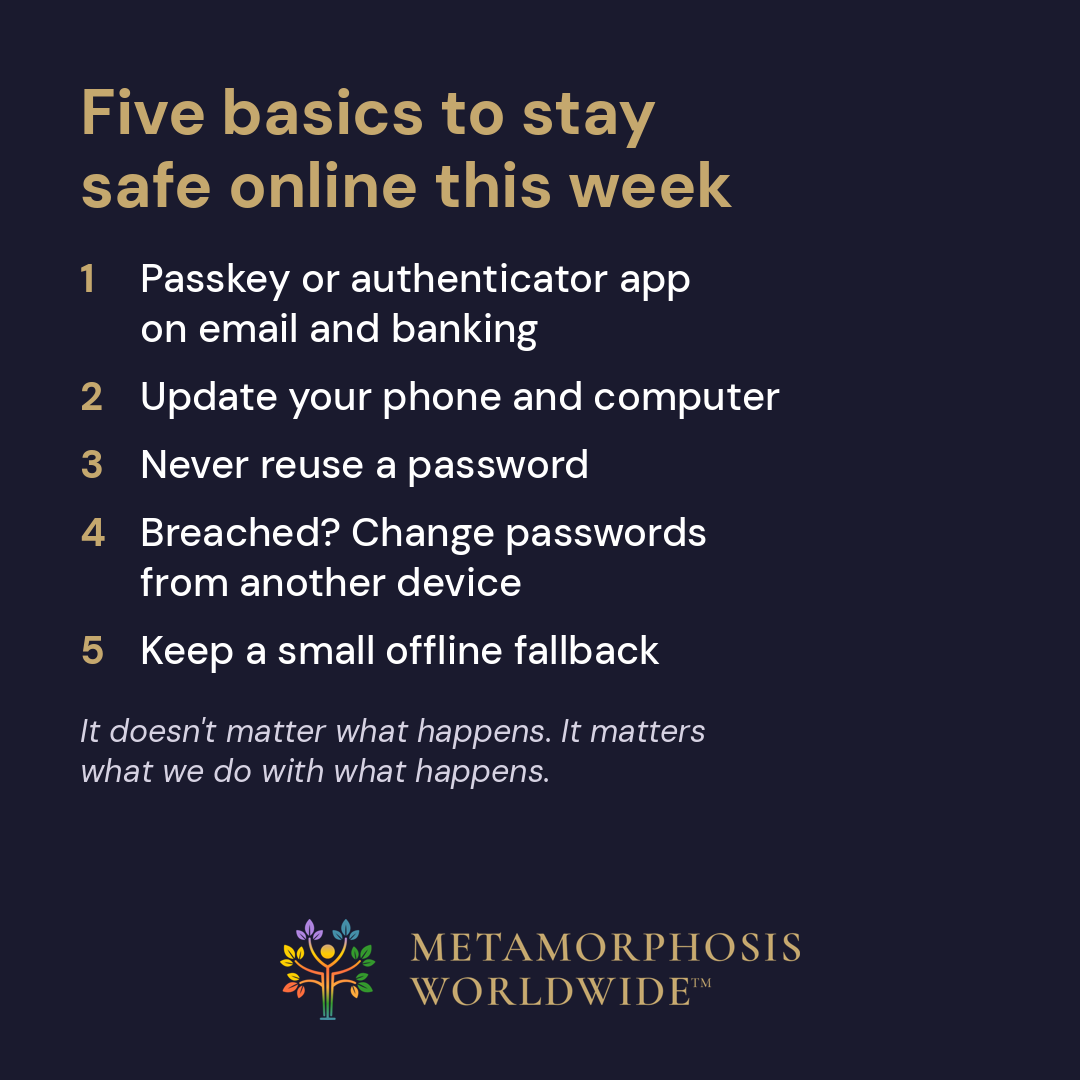
The basics. Do these this week |
|
1 |
Turn on a passkey or an authenticator app for email, banking and anything with money in it. A text
code is better than nothing. A passkey is better than a text code. |
|
2 |
Update your phone and your computer. Those updates close the doors attackers use. |
|
3 |
Never reuse a password. A password manager makes this easy. |
|
4 |
If you think a device was compromised, change your passwords from a different device you trust. |
|
5 |
Keep a small offline fallback: your key contacts on paper, some cash, and a way to reach your family
without the internet for a day or two. |
|
|
You don't need to know how. You need to know you have to do something |

|
|
In this day and age, you don't even need to know what to do. You just need to know that you have to do
something, and you can ask your AI to help you with what needs to be done. |
|
Claude, working in your browser, can go through your Microsoft or Google Workspace account with you, click
around, and help you turn on the security you need. The same goes for your other accounts. It's up to you
to trust it or not. I did. |
|
I just opened a new business bank account. Before I put a single dollar in it, I asked my Claude to go
through every security setting with me and make sure each one was on. Many banks, especially small ones,
don't walk new clients through this. So I didn't wait for them to. |
|
One rule: never give your AI your passwords. You sign in yourself. It guides you. |
|
Now the part about AI, because this is where I live |
|
Limit your AI exposure. You don't need ten AI services, each holding your email, files and calendar. Pick
one. I pick Claude. Connect the rest only with keys that have limited access and a spending cap. |
|
Give each connection only what it needs. My own AI assistant can draft emails, but it cannot send them. It
can attach a PDF, and nothing else. If someone ever got into it, the worst they could do is write me a
draft. |
|
It doesn't matter what happens. It matters what we do with what happens. |
|
Stay safe, and be prepared. |

|
|
Written with Claude, my AI assistant. |
|
|

